
The "Task Dump" Method: How To Discover What AI Can Do For You In Minutes
Part 1 of the AI as a Thinking Partner series

Hey there!
On a Tuesday afternoon, a smart, capable person told me she’d been meaning to try AI for five months.
She still hadn’t opened it once.
That’s not laziness. That’s something else entirely and once I figured out what it was, I built a 10-minute fix for it that works for anyone who’s been stuck in the same place.
So today, I’m going to walk you through the exact 2-prompt method that turns a blank chat window into a personalized AI roadmap … without any research, tutorials, or prior experience required.
Let’s dive in.
Every other tool you’ve ever learned was passive
Every tool you’ve ever learned required someone, or something, outside the tool to teach you. A backhoe doesn’t teach a farmer how to dig. A baseball bat doesn’t show you how to swing. A car sits in your driveway until someone gets in the passenger seat and walks you through it.
Tools are passive. They wait for you to already know what to do.
Jensen Huang, CEO of Nvidia, said in a 2025 interview the show Huge Conversations that AI is the first tool that can teach you how to use it. That one idea changes everything about the “I don’t know where to start” problem.
You don’t have to figure out what AI can do for you and then go use it. You can bring the question to AI itself.
How I figured this out
I came to this slowly. For most of my time using AI, I learned the way I learn most things — read about it, try something, repeat. When I wanted to help someone else get started, I’d say “here’s what it can do for this kind of task, and here’s what it can do for that one.” That puts all the work on the person asking.
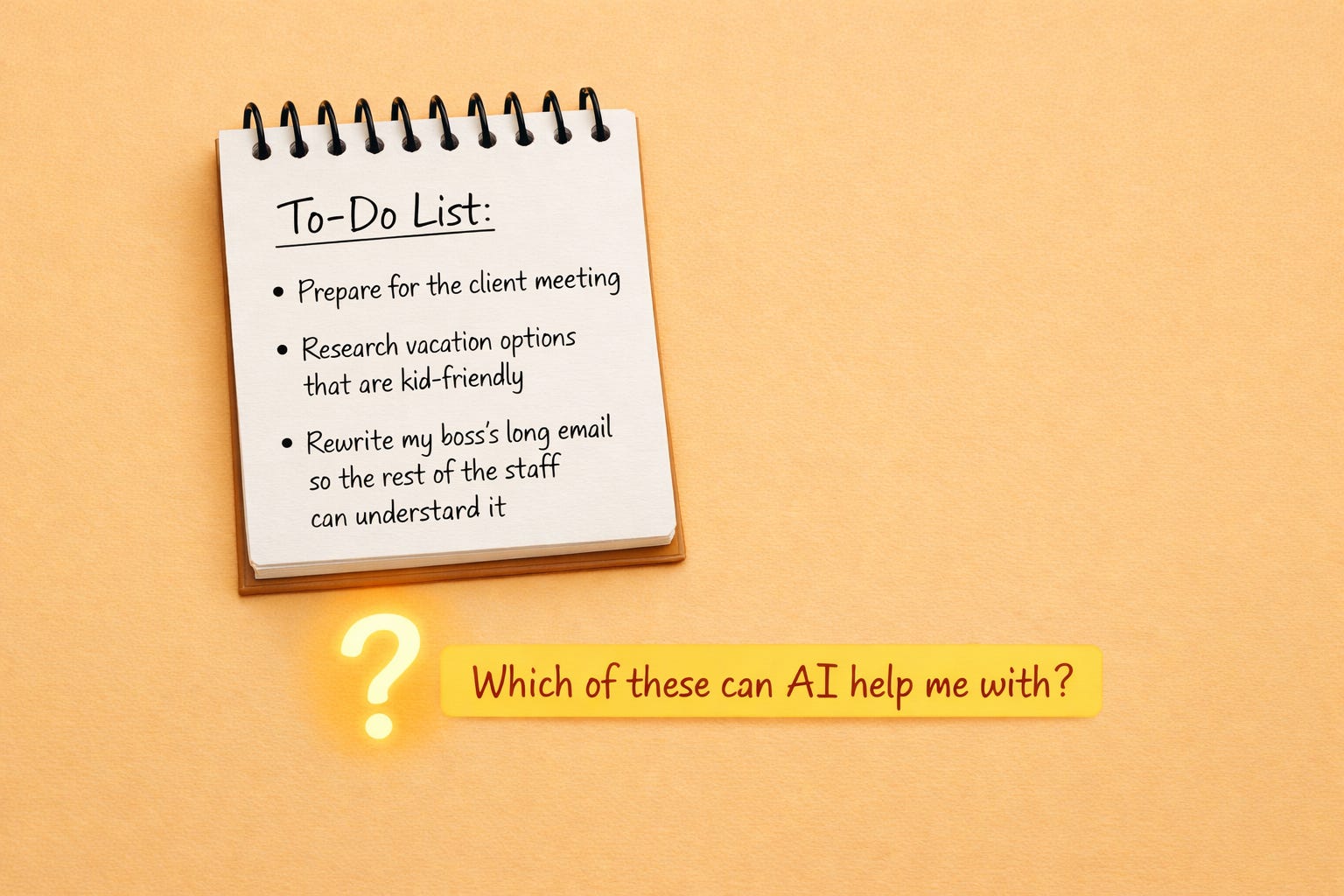
Then I came across a simpler approach from Ev Chapman, who writes about productivity and knowledge work on Substack. Her idea: give AI your actual task list and ask which ones it can help with.
I tried it with a broad question first — “here’s my job in general, how can you help?” The answers were vague. Generic.
Then I tried it with a specific list of tasks I was actually working on that week. Different conversation entirely. AI went through each item and told me exactly what it could do, what it would need from me, and what it couldn’t touch.
The difference was specificity. A job description is too abstract. A real task list gives AI something concrete to respond to — and it turns out AI knows its own capabilities better than you do, especially when you’re starting out.
Here’s how to do this yourself
Three steps, under ten minutes.
Step 1: Type out your tasks.
Write down everything you’re working on today, or expect to tackle in the next couple of days. Don’t clean it up or organize it — a brain dump is fine. Type it rather than handwriting it, since you’ll want to paste it directly into the AI. If you’re walking someone else through this, type it for them, or use a voice-to-text tool like Wispr to capture what they say.
Step 2: Paste the list into ChatGPT or Claude and ask this.
Which of these tasks can you help me with, and how?
That’s the whole prompt. Both ChatGPT and Claude handle this well — use whichever one you have open.
If you’re just starting out, don’t try to add context before asking. The temptation is to explain your job, your industry, your clients — but building all that context before you’ve even seen what AI can do will slow you down and get in your way. Start with the list and the question. That’s enough.
If you’ve been using AI for a while, more context will get you better answers. You can attach documents to the chat, or paste in any information you think AI would need. The more specific the context, the more specific the answer.
Step 3: Pick one task and go deeper.
Find one item in AI’s response that surprised you, or one task you’ve been putting off, and say:
Let’s work on this one. What do you need from me to help me do it well?
AI will tell you what information to give it. Your job from there is just to answer its questions.
What this looks like in practice
To make this concrete, here’s what happened when I ran a sample task list through Claude.
The list:
Prepare for a client meeting
Draft an email about a pressing issue
Find an audiobook for the drive home
Handle the car registration paperwork
Pick up the kids from school
Drop the kids off at soccer practice
Claude sorted the list into three buckets.
Tasks it can handle almost entirely:
Draft an email about a pressing issue — “Give me context on who it’s going to, what the issue is, and what outcome you want. I’ll draft two or three versions with different tones so you can pick the one that fits.”
Find an audiobook — “Tell me what you’re in the mood for and I’ll give you a shortlist with enough detail to make a quick decision. No browsing required.”
Tasks it can significantly reduce:
Prepare for the client meeting — “I can help you build the agenda, anticipate tough questions, prep talking points, and summarize any background documents you share. You show up sharper with less prep time.”
Car registration paperwork — “I can walk you through exactly what documents you need, find the right forms, and draft any letters required. The legwork of figuring out what to do disappears.”
Tasks it can’t touch:
Pick up the kids from school. Fully human. Has to be you.
Drop the kids off at soccer practice. Same.
What the list reveals
AI handles the tasks that drain mental energy before you’ve even started — the drafting, the researching, the figuring-out-what-to-do-first. The tasks it can’t help with are the ones that only you can do. The ones that actually matter most personally.
That’s a useful thing to know about a tool before you use it.
The starter kit — copy and use this
Open a new chat. Paste these two prompts in order.
Prompt 1:
Here is my task list for today: [paste your list]
Which of these tasks can you help me with, and how?
Prompt 2 (once AI responds — use this on whichever task you pick):
Let’s work on [task]. What do you need from me to help me do it well?
That’s the entry point. Ten minutes. One task done with AI for the first time.
The hours you get back are not just work hours
The people I know who aren’t using AI aren’t just losing time at the office. They’re losing time at home. The hours spent writing emails that didn’t have to take that long, researching things AI could find in seconds, figuring out processes AI could walk them through — those are hours that could have been spent with their kids, their partners, their friends.
That’s the real cost of waiting. Not a productivity metric. Life.
Ten minutes with this prompt won’t fix everything. But it will show you where to start.
Still here? I love that.
Try the prompt and reply to this email with one task AI said it could help you with. That’s it. I’d love to know what’s on your list.
This article is part of the series AI as a Thinking Partner — on using AI not just to do more work, but to think better about where your effort goes.
Next issue in this series: You’ve got the task list back with AI’s answer. Now how do you decide where to apply it first? The answer comes from a conversation I had with my neighbor about why most AI experiments don’t actually save anyone money — and where the real constraint in your work is hiding.
The AI-Powered Expert helps coaches, consultants, and experts use AI to do their best work. Written by Rodney Daut.
I use Obsidian for my notes and I use Claude as an agent, right in Obsidian. I have a weekly plan and a monthly plan. Plans include projects (blog posts, newsletters etc) plus meetings I need to prepare for... I jot notes at the end of the previous plan (what published, infrastructure/admin work, what got deferred, my own capacity going into the next week). I sit down on Sunday afternoon and have Claude help me with the weekly plan, making sure that I am not forgetting things from the monthly plan. I used to be queen of the quarter used planner books.... Never really using then because they didn't work for my thinking/pacing style. This planning style/activity has been a game changer for me.
A good friend of mine e dropped an amazing prompt on me for writing email sequences. Long and detailed but works brilliantly.
The aha moment came when I fed the prompt back into Gemini and asked it whether it could adapt it for other uses.
Prompting AI to prompt itself!
The key is having solid input to work with and build on.
I'm still Iterating on this, but the results so far are blowing me away!